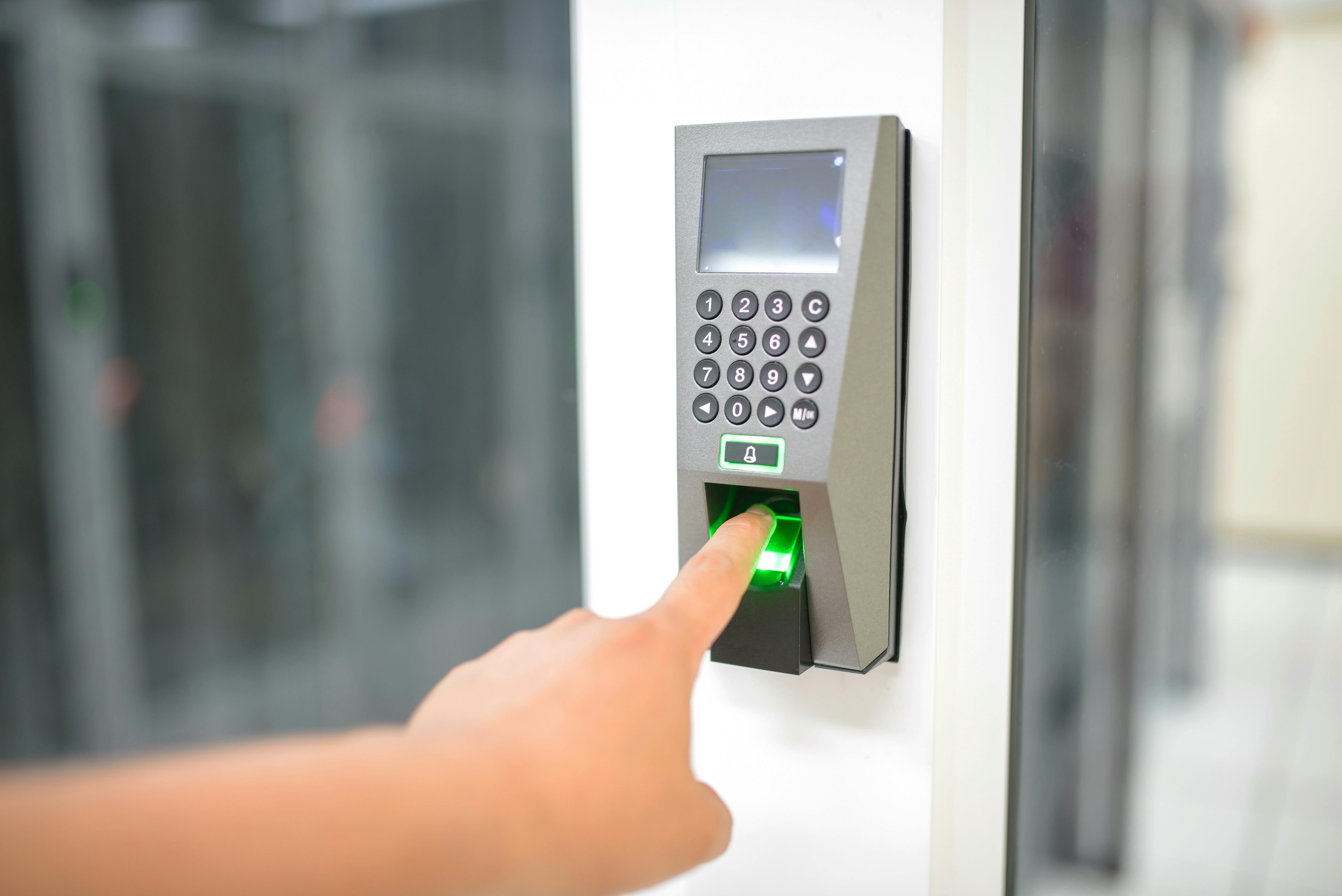
MFA is no longer optional. But not all methods are equal. SMS codes can be intercepted, while authenticator apps and hardware keys are far harder to steal. Your goal is to move your most critical accounts to the strongest option available.
Ranking MFA methods
- Passkeys or security keys (best)
- Authenticator apps (strong)
- Push notifications (good)
- SMS text messages (weak)
How to migrate safely
Always set up recovery options before switching. Add a backup code or second device so you cannot lock yourself out.
- Enable a passkey or authenticator app on your main device.
- Store backup codes offline.
- Remove SMS only after confirming login works.
Where to prioritize
Start with email, banking, and password managers. If those accounts are protected, the rest of your digital life is safer by default.
When to add hardware keys
Hardware keys are ideal for high-value accounts or if you are frequently targeted. They cost more up front but offer the best defense against phishing.