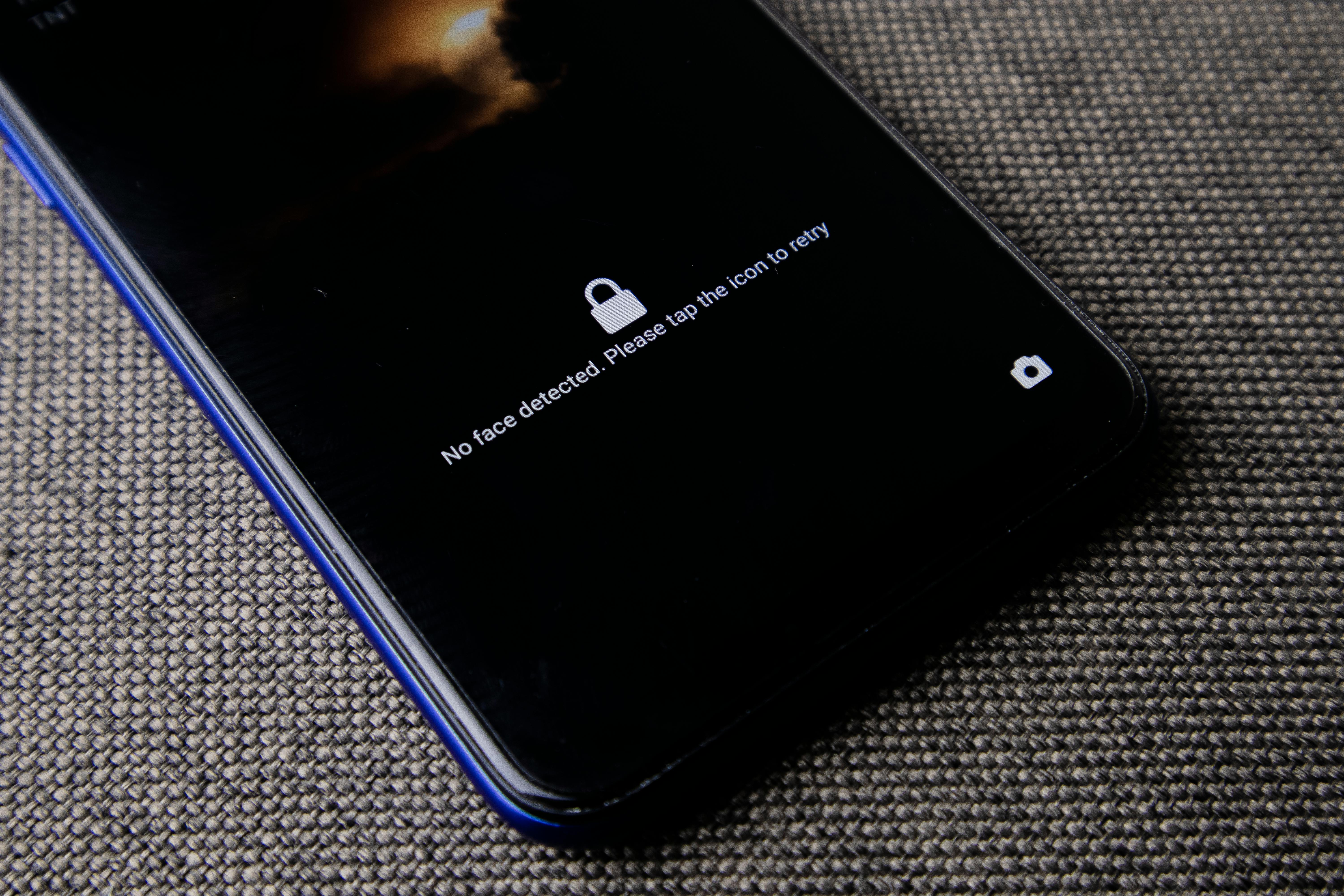
Phones are now your wallet, mailbox, and office. If someone gains access to your phone, they can pivot into every other account you own. The good news is that a few settings cover most of the risk.
Lock screen and authentication
Use a long passcode, not a short PIN. Keep biometrics enabled for convenience, but the passcode is your real defense when the phone restarts or after a timeout.
- Set a 6+ digit passcode or alphanumeric code.
- Disable lock screen previews for sensitive apps.
- Turn on failed login wipe only if you have backups.
Updates and system integrity
Most real-world phone attacks use outdated software. Enable automatic updates and reboot your phone once a week to ensure security patches apply.
App permissions and data access
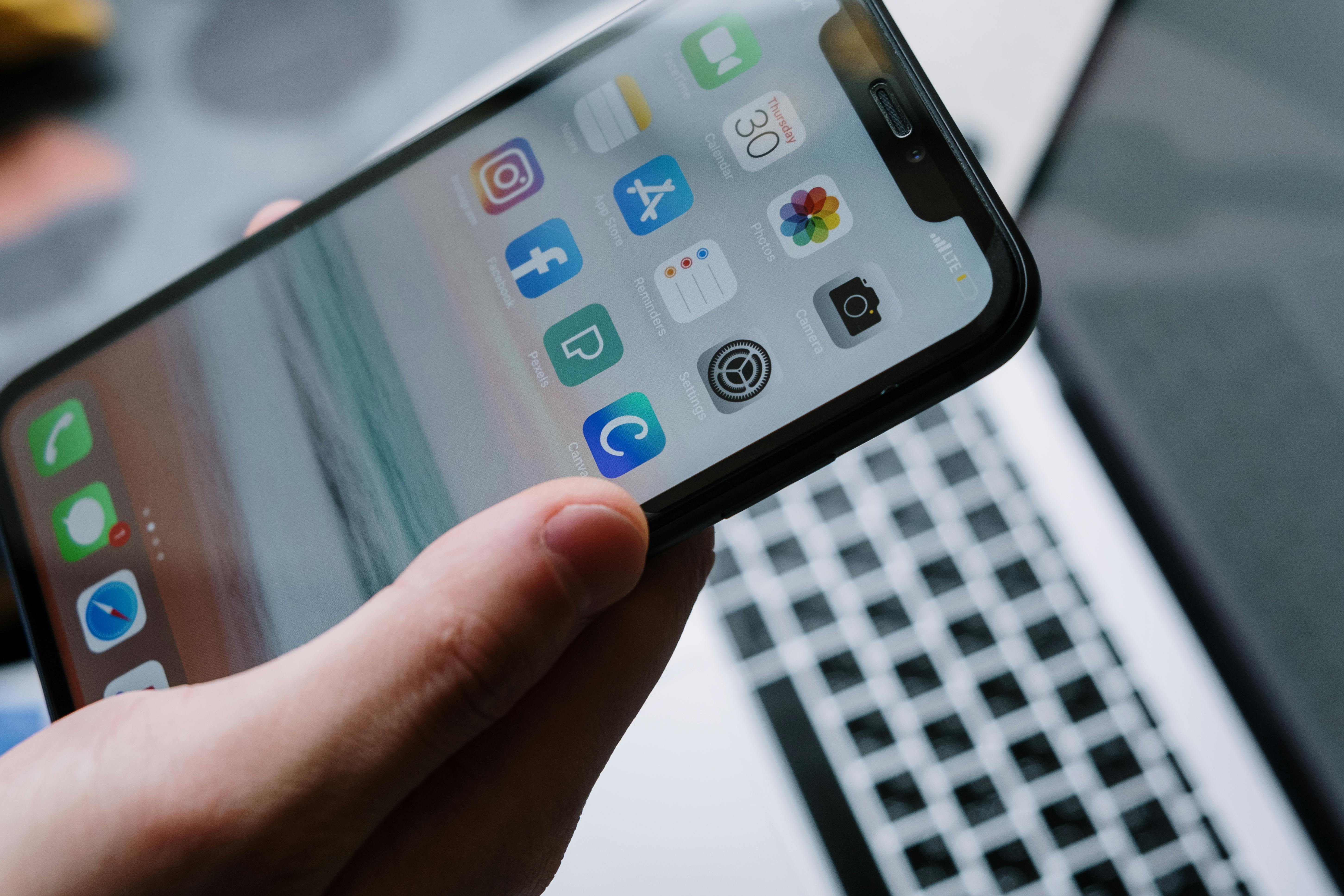
Review app permissions monthly. Most apps do not need your location all the time or access to contacts. Reduce the data they can see and you reduce the damage of a breach.
- Set location to "while using" whenever possible.
- Remove microphone and camera access from apps you do not trust.
- Disable background refresh for social apps you rarely use.

Backups and recovery
A locked phone is only safe if you can restore it. Verify that backups are working and that you know your recovery codes. Store those codes offline.
Travel and lost phone plan
Before travel, turn on location tracking and test remote wipe. If your phone is lost, change your primary email password first. That cuts off most account resets.